Advanced IR Control Through Ethernet

Transform your traditional IR devices into smart, Ethernet-controlled appliances with MicroRemote Pro. Control your devices reliably through wired network connection, set up automations, and integrate with your smart home system.

MicroRemote Pro Device

Powerful Features

MicroRemote Pro offers a comprehensive set of features for complete IR control over Ethernet connection.

Ethernet Control

Control your IR devices through reliable wired Ethernet connection. Enjoy stable, high-speed communication without interference.

IR Transmit & Receive

Capture IR codes from your existing remotes and replay them whenever needed. Supports thousands of devices.

Automation API

Integrate with home automation systems using our simple HTTP API over Ethernet. Control devices programmatically with low latency.

Dual Control

Use both the physical remote and our app simultaneously. Never lose control of your devices.

Network Updates

Receive firmware updates through Ethernet connection. Always have the latest features with reliable wired updates.

Network Stability

Enjoy uninterrupted control with stable Ethernet connection. No signal drops or interference issues.

Download Center

Get the latest software and firmware for your MicroRemote Pro Ethernet system.

MicroRemote Pro for 1 Device

Control a single IR device through Ethernet. Perfect for controlling your TV, AC, or sound system with wired reliability.

  • Single device control
  • Windows application
  • HTTP API access
Download (Windows)

MicroRemote Pro for 2 Devices

Control two separate IR devices simultaneously through Ethernet. Ideal for TV+Soundbar or AC+Projector setups.

  • Dual device control
  • Windows application
  • HTTP API access
Download (Windows)

MicroRemote Pro for 3 Devices

Control three separate IR devices through Ethernet. Perfect for complete home theater or multi-room setups.

  • Triple device control
  • Windows application
  • HTTP API access
Download (Windows)

Firmware Update

Keep your MicroRemote Pro device up to date with the latest features and improvements through Ethernet connection.

  • Network updates via Ethernet
  • Ethernet setup manager
  • Double reset detection
Download Firmware

See It In Action

Watch our demo video to see how MicroRemote Pro can transform your home automation experience with Ethernet connectivity.

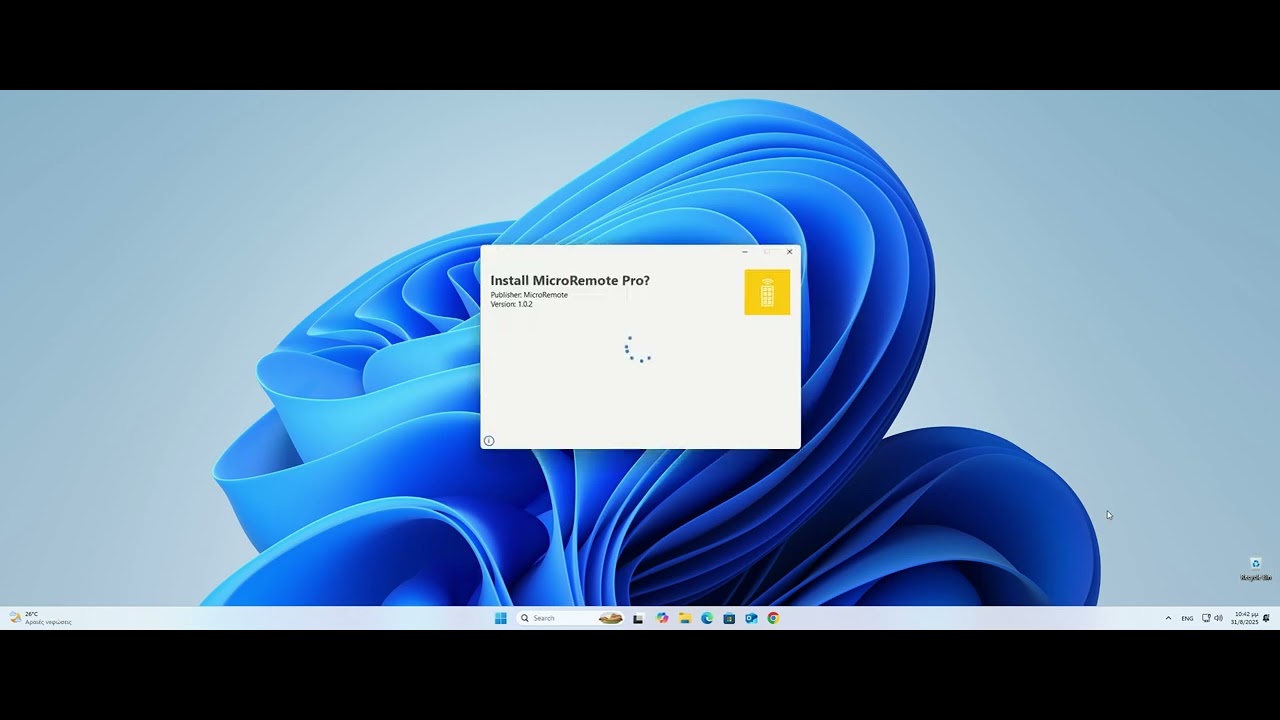
MicroRemote Pro Demo Video

This video demonstrates how to set up your MicroRemote Pro device, connect it to your Ethernet network, and start controlling your IR devices through our intuitive software interface with reliable wired connection.

Get In Touch

Have questions or need support? Contact our team for assistance.

Email

info@microremote.eu

Follow Us

Stay connected with us on social media